Student Blackboard Portal Guide Blog & Support

The blog is put together by a student and advice on support. The blog also answers some often asked questions like how to access blackboard portal, what is the log in information, and where is my username.Blackboard-faq.com is aimed at the students by providing useful information about the platform. It mainly provides how-to guides for the students who are new to it or those who need a refresher course of its features.

Featured

how to add the new semester classes to blackboard

Empty Blackboard course ... from a current or previous semester On-Campus Blackboard - Content Request job aid (pdf) Each semester you must copy content from one of your current or previous courses or ...

6 min read

blackboard collaborate how to turn on video

In a Blackboard Collaborate session you can turn on Gallery View to view up to 25 cameras at ... it will always fill the screen by default. Clicking on the video thumbnail in the bottom right hand ...

9 min read

how can i get a report on a student in blackboard

Merging Blackboard shells merges the enrollments for all courses selected into the single master course shell. This includes all students and ... long does it take to get content copied into my new ...

8 min read

blackboard collaborate how to mute

International numbers are available - just use the same PIN as displayed in the session. Dial *6 to mute and unmute yourself. When you join a Blackboard Collaborate Session, ensure you click ‘Allow’ ...

10 min read

how to access a draft on blackboard

Discussion boards in your Blackboard courses enable you to share thoughts and ... Click Submit to publish your thread to the discussion board, or click Save Draft to store a draft to publish later.

7 min read

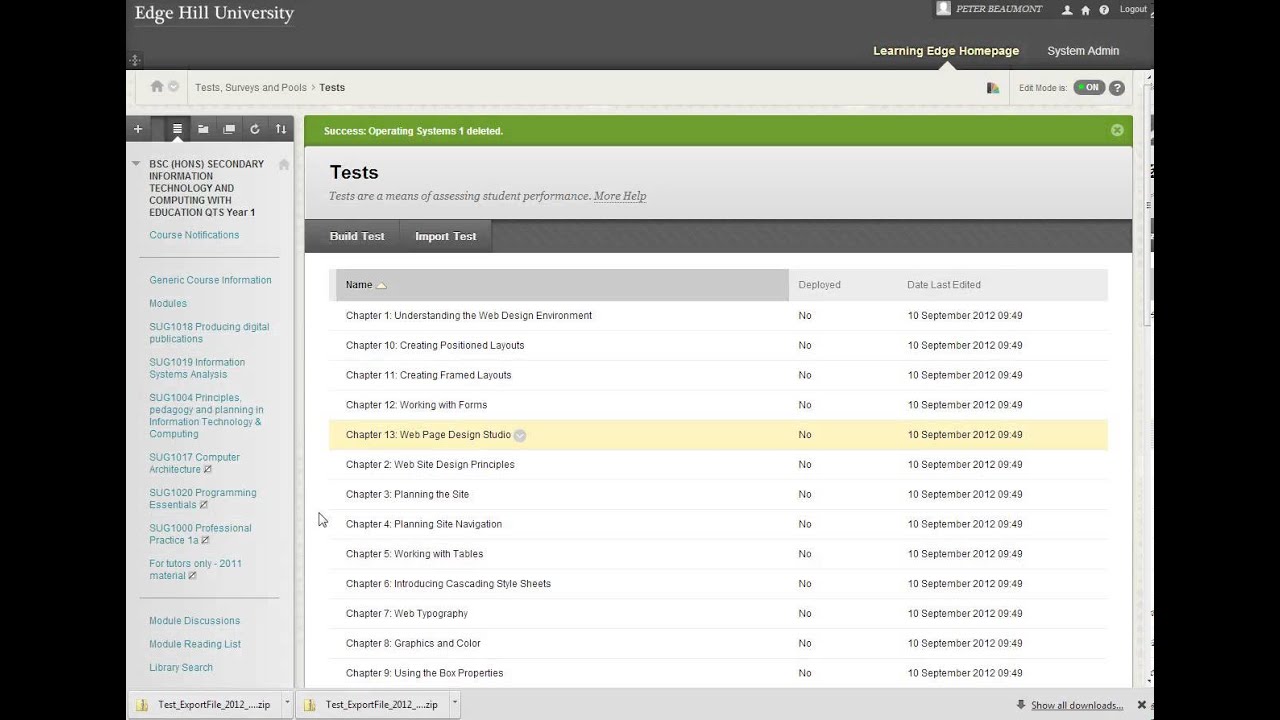
blackboard how to copy a test to another section

Here you'll find guides and references to help you make the most of Blackboard. To copy materials from one course to another, make sure you are listed as Instructor in both sections. Each class will ...

3 min read