Student Blackboard Portal Guide Blog & Support

The blog is put together by a student and advice on support. The blog also answers some often asked questions like how to access blackboard portal, what is the log in information, and where is my username.Blackboard-faq.com is aimed at the students by providing useful information about the platform. It mainly provides how-to guides for the students who are new to it or those who need a refresher course of its features.
Featured

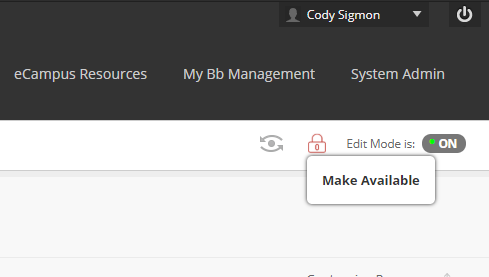
how to make my course available on blackboard

These messages do not automatically go to your email. To make sure you get your ... issues with the Blackboard App is available on the Known Issues page of the Blackboard website. To access GPS ...

6 min read

how to upload syllabus in blackboard

You can create multiple types of content in your Blackboard course. Navigate to the area of your ... embed multimedia (e.g. Kaltura videos), links and tables. File: Enables you to upload a file into a ...

6 min read

how to speed up a video blackboard

Select a video within Blackboard to automatically load the Kaltura video player and begin playback. This may take a few moments depending on the speed of your internet connection. Select the video ...

5 min read

how to make blackboard accessible to all various platforms

Previously, Blackboard and it's various ... all Blackboard users would maintain the access they are accustomed to having. The IT department worked through September testing logins and time tickets for ...

7 min read

error when trying to open pdf off blackboard

Work through the steps on this page to try and fix the issues you are having with Collaborate. Firstly, if you are joining from a Windows, Mac or Android device, please check you are using Google ...

8 min read

where is the control panel on blackboard

The control panel in Blackboard provides you with access to a suite of course management tools. You can access the control panel from inside any Blackboard course underneath the left hand customisable ...

9 min read