Student Blackboard Portal Guide Blog & Support

The blog is put together by a student and advice on support. The blog also answers some often asked questions like how to access blackboard portal, what is the log in information, and where is my username.Blackboard-faq.com is aimed at the students by providing useful information about the platform. It mainly provides how-to guides for the students who are new to it or those who need a refresher course of its features.

Featured

blackboard how to set test as extra credit

Find out how to create a standalone Blackboard test ... The next set of options on the page will depend on the chosen question type. Optionally, type feedback for correct and incorrect answers. Please ...

4 min read

how to review student assignment on blackboard

Open Blackboard ... You will be able to review your media after submission. Look out for the submission receipt in your email. Once your work has been marked and any feedback added, you will be able ...

4 min read

how to share a link on blackboard collaborate

Guest access enables attendees that are not enrolled on your Blackboard course to attend the Collaborate Session - simply provide the Guest Link URL. Remember to only ... like the ability for ...

4 min read

how to keep blackboard open

It is recommended to keep mid-semester surveys brief and to avoid ... If the link is deployed within Blackboard, the date and time can be set to open at a specific time, otherwise, live deployment is ...

5 min read

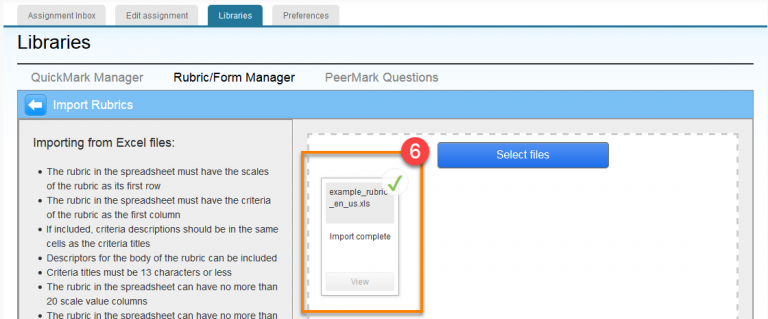
how to import from excel to blackboard

Beginning Fall 2018, faculty will have the option to import final letter grades from your On-Campus Blackboard grade center to your SiS grade roster. In order to successfully use this new ...

8 min read

how to switch to student view in blackboard

In a Blackboard Collaborate session you can turn on Gallery View to view up to 25 cameras at once. Click the Change View button in the top right hand corner of the screen and select Gallery View.

10 min read